Wildroot

What you get

One name, and the things worth having behind it.

Everything on this page works today. Where something is partial or experimental it says so in the same size type.

A page you publish from your own computer

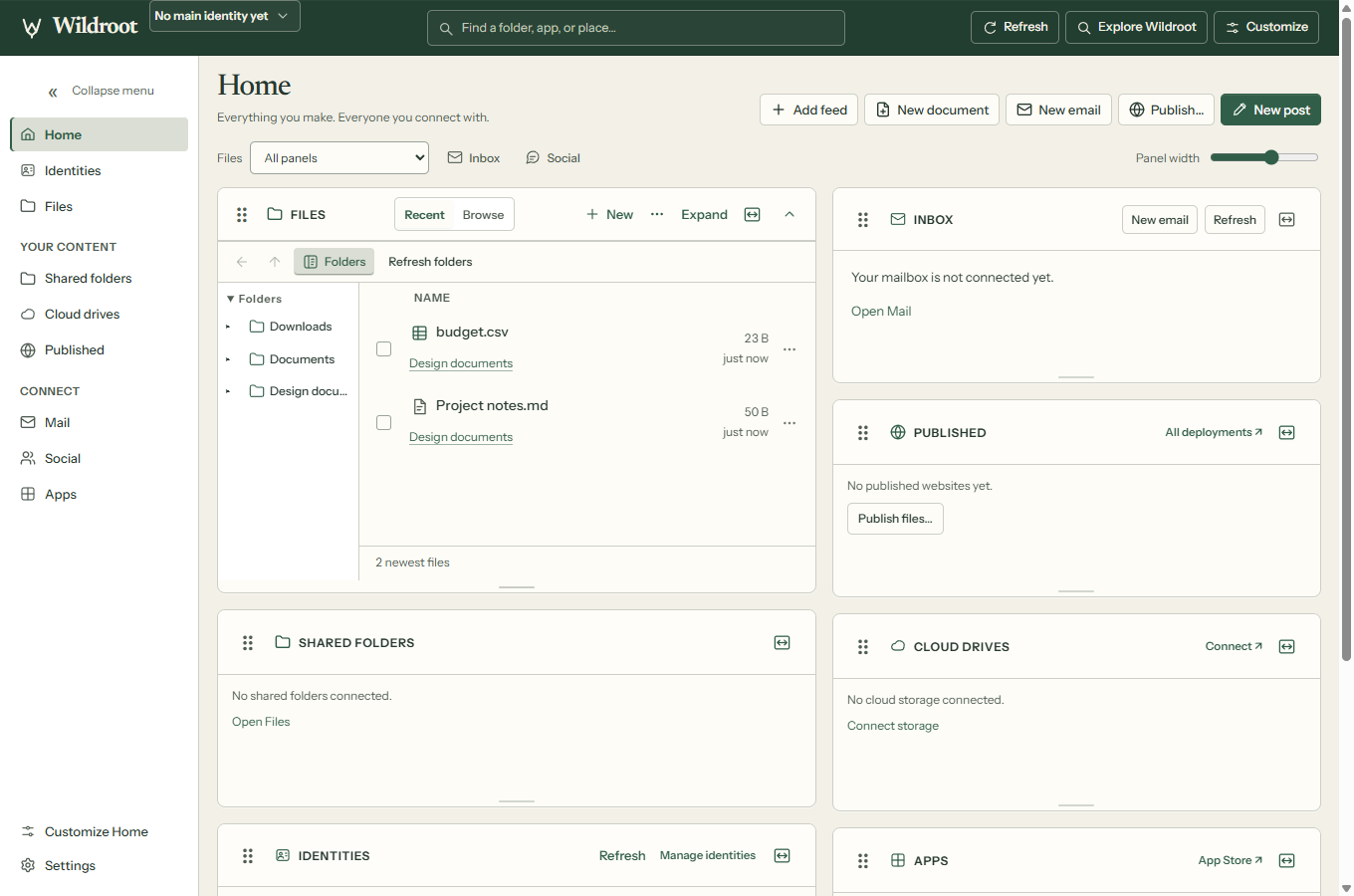
Choose a folder — the whole folder, not one file — and Wildroot uploads it and points your name at it. You get back a link that opens anywhere, so you can send it to somebody who has never heard of any of this.

Updates cost nothing and there's no per-change fee. Nothing has to be confirmed on a network, so a change is usually live within a few seconds. A site can be up to 25 MB with a index.html at the top level; ordinary web file types only.

Your files are stored under a fingerprint of their own contents, and that fingerprint is published in a public record. Anyone who wants to can check that what a server handed them is what you actually published.

Two limits worth knowing

The link you share goes through us. The yourname.w3.hns.one form is a proxy we run so that ordinary browsers can reach your page. Your visitor's browser is trusting us not to alter what we hand it — the fingerprint makes tampering detectable by anyone who checks, but their browser is not doing that check for them. Opening the name directly in Wildroot is the path that doesn't involve us that way.

Opening a freshly published name natively doesn't work yet. Right after publishing, the shareable link works everywhere but the bare name does not resolve inside Wildroot. It's a known fault, it's being fixed, and it's tracked in the open.

A mailbox at your name

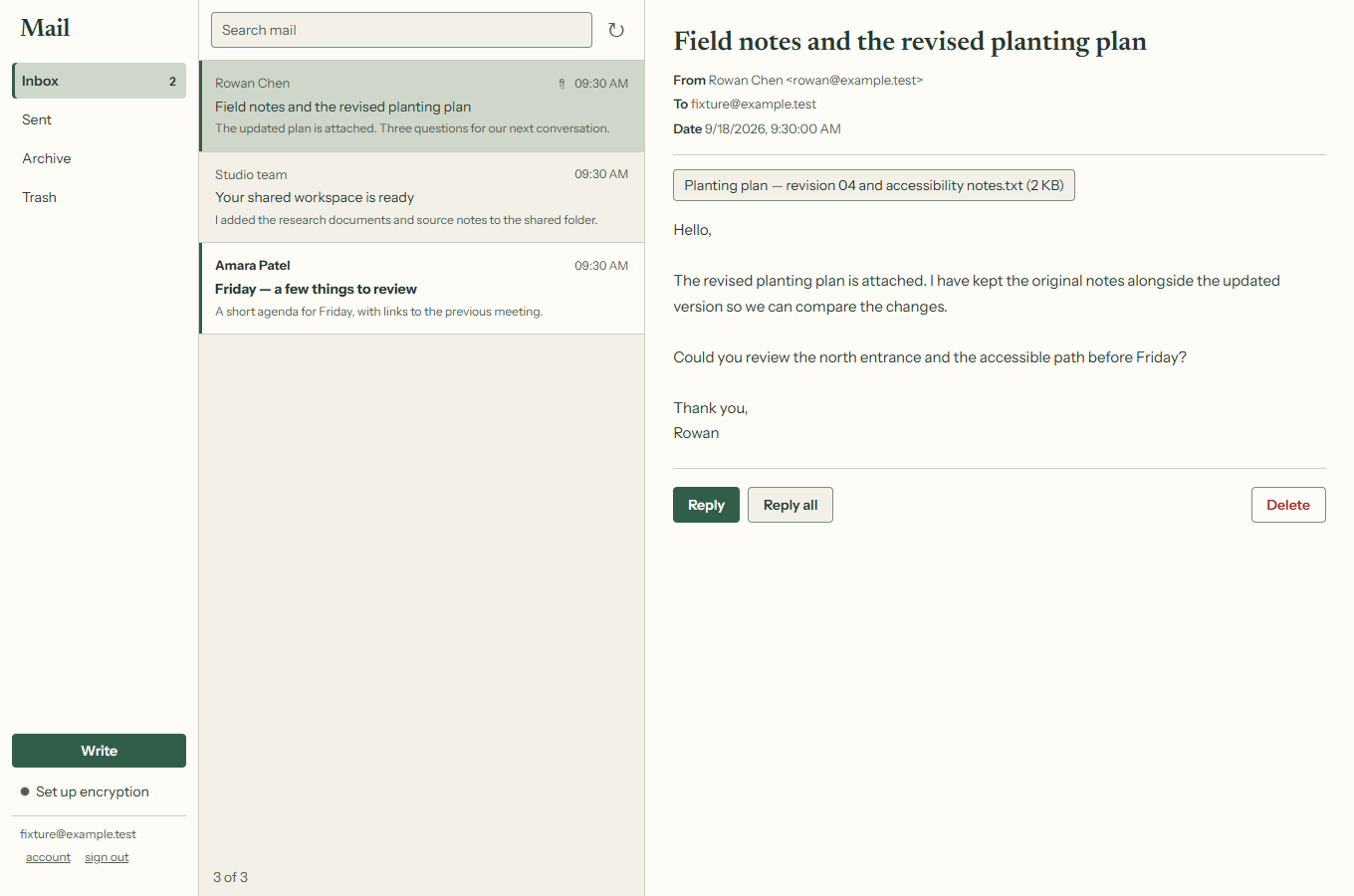
A real address, in real mail apps. It speaks JMAP and IMAP, so Thunderbird and most mobile clients work — use your full address as the username and the mailbox password Wildroot can show you on its Mail page. Incoming mail.hns.one port 993, outgoing port 465.

You can publish a public encryption key for your address. It goes into Web Key Directory, which is where GnuPG looks by default, and Thunderbird finds it there when you turn on encryption for a message.

Not private from us, or from our mail provider

This is standard internet email. The connection between your mail app and our server is always encrypted; the hops between mail servers usually are, but nobody can guarantee that. It is not end-to-end encrypted: our server and the third-party provider that carries the mail both handle your messages in the clear, and both can read them. Messages are stored unencrypted on our server.

Publishing a key lets people encrypt mail to you. Wildroot's own Mail page cannot read encrypted messages yet — for that you need a desktop client like Thunderbird.

Social accounts people can actually follow

Your name comes with a fediverse handle — @yourname_w3@hns.one — and a Bluesky handle, yourname.w3.hns.one. These aren't a private network: a stranger on Mastodon can search that handle and follow you, and the same is true on Bluesky.

Both open as ordinary tabs in Wildroot and sign themselves in. You never copy a password between apps.

A browser that checks, instead of trusting

Ordinary browsing works exactly as you'd expect — it's built on the same engine as Chrome. What's different is what happens with names.

  • Names are verified against a public recordWildroot runs the check itself, using a node on your own machine, rather than asking a server to vouch for the answer. For the first few minutes after launch, while that node catches up, it falls back to asking a resolver — and it tells you which kind of answer you got.
  • The padlock can mean something strongerOn names that opt in, the certificate is pinned to that public record, so no certificate authority is involved. Wildroot tells you which kind of lock you're looking at.
  • Content addresses open nativelyPages stored by fingerprint open directly, without a gateway in the middle.
  • Lookups can be made obliviousExperimental: the resolver sees the question, not who's asking — as long as the relay and the resolver don't collude. If either is unreachable, lookups fall back to ordinary encrypted DNS.

The technical documentation is on HNS.ONE →